

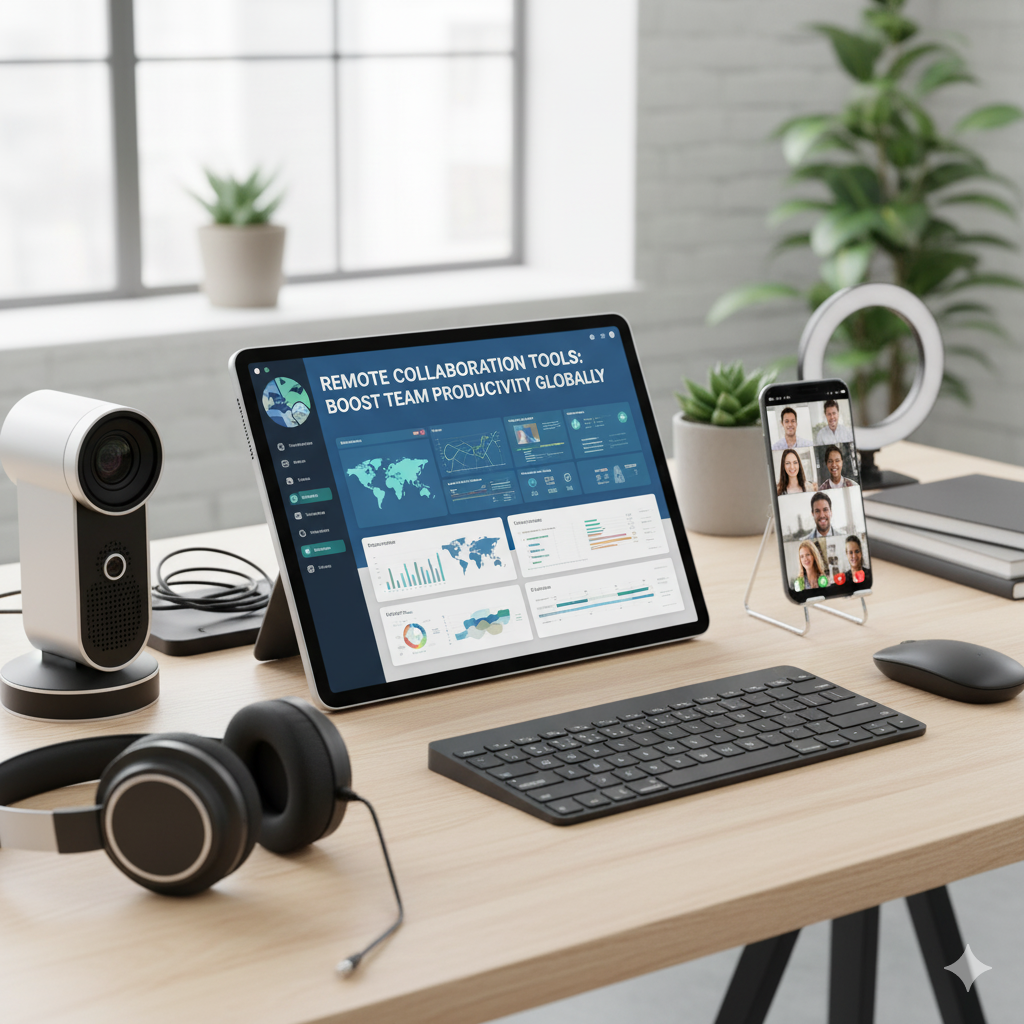
In today’s fast-paced business world, the ability to work seamlessly across locations is no longer optional. Remote collaboration has become an essential aspect of modern workplaces. At Finland Report, we understand the challenges and opportunities of managing teams remotely. Our goal is to guide businesses and professionals in harnessing the power of the best Remote Collaboration Tools to maintain efficiency, communication, and productivity.
Remote collaboration tools have revolutionized how teams connect, share ideas, and complete tasks regardless of geographical boundaries. They empower organizations to maintain continuity, foster creativity, and streamline workflows. With so many options available, choosing the right tools can seem overwhelming. Finland Report breaks down the most effective tools, their benefits, and practical tips for maximizing remote team performance.
Why Remote Collaboration Tools Are Vital for Modern Businesses
Remote collaboration tools are no longer just an option—they are a necessity. Businesses that adopt these tools effectively experience improved communication, stronger teamwork, and increased flexibility. With globalization and remote work trends on the rise, teams need solutions that bridge the gap between physical distance and operational efficiency.
Some key benefits include enhanced productivity, real-time communication, streamlined project management, and the ability to maintain transparency across departments. Remote collaboration tools allow teams to work smarter, not harder, and provide managers with better insight into project progress and employee engagement.
Top Features to Look for in Remote Collaboration Tools
When selecting a remote collaboration tool, businesses should prioritize features that enhance workflow and communication. Here are the essential features:
Real-Time Communication
Tools must support instant messaging, video conferencing, and voice calls to ensure team members can connect without delays.
File Sharing and Document Collaboration
Seamless sharing of documents, spreadsheets, and presentations allows multiple team members to work together on a single file without conflicts.
Task and Project Management
Integrated task tracking and project management features ensure that deadlines are met and responsibilities are clear.
Integration Capabilities
The ability to integrate with other business tools, such as CRM, email platforms, and cloud storage, enhances overall productivity.
Security and Privacy
Remote collaboration tools must provide strong encryption, access controls, and compliance with data privacy regulations to protect sensitive information.
How Remote Collaboration Tools Transform Workflow
Remote collaboration tools reshape traditional workflows by eliminating the need for physical presence while maintaining team efficiency. These tools allow for the automation of repetitive tasks, centralized communication, and streamlined project tracking. Teams can easily monitor deadlines, assign responsibilities, and provide feedback in real time.
For example, project management platforms enable visualization of task progress through dashboards and Kanban boards. This transparency reduces misunderstandings and keeps everyone aligned with project goals. The result is a more agile, responsive, and collaborative team environment.
Popular Remote Collaboration Tools to Consider
Communication Platforms
Messaging and video conferencing tools are essential for maintaining clear communication. Popular options provide group chats, video calls, and screen sharing to foster collaboration.
Project Management Tools
Project management platforms allow teams to assign tasks, track progress, and manage deadlines efficiently. Features like dashboards, calendars, and automated notifications improve productivity.
Cloud-Based Document Collaboration
Cloud-based solutions enable real-time co-editing, version control, and secure file storage. They simplify teamwork on documents, spreadsheets, and presentations.
Time Management and Scheduling Tools
Scheduling applications allow teams to plan meetings across time zones, set reminders, and optimize daily workflows.
Best Practices for Maximizing Remote Collaboration
Establish Clear Communication Guidelines
Setting clear expectations for response times, meeting etiquette, and reporting helps avoid confusion and improves efficiency.
Use the Right Tool for the Right Task
Avoid overloading teams with multiple platforms. Select tools that suit the specific needs of communication, project management, or document collaboration.
Encourage Regular Check-Ins
Frequent virtual meetings, stand-ups, and one-on-one sessions ensure teams stay connected and aligned on objectives.
Monitor Performance and Feedback
Use analytics and reporting features to track productivity and gather feedback on tool effectiveness.
Challenges of Remote Collaboration and How to Overcome Them
Communication Gaps
Remote teams can experience miscommunication. Mitigate this by using video calls and clear messaging protocols.
Time Zone Differences
Global teams face scheduling challenges. Utilize scheduling tools and asynchronous collaboration to maintain productivity.
Security Concerns
Data breaches can occur in remote setups. Choose tools with strong encryption and train employees on security best practices.
Employee Engagement
Remote workers can feel isolated. Encourage social interactions, virtual team-building, and recognition programs to boost morale.
Step-by-Step Guide to Implementing Remote Collaboration Tools
Identify Team Needs
Analyze your team’s workflow to determine the type of collaboration tools required.
Evaluate Tool Options
Compare tools based on features, pricing, integration, and scalability.
Plan Implementation
Develop a rollout plan that includes training, onboarding, and timelines for adoption.
Provide Training and Support
Offer tutorials, workshops, and support to ensure all team members are comfortable using the tools.
Monitor Usage and Optimize
Regularly review tool usage, collect feedback, and make necessary adjustments to maximize efficiency.
Table: Comparison of Top Remote Collaboration Tools
| Tool Type | Key Features | Best For | Integration | Security Level |
| Communication Platforms | Messaging, video, voice calls | Teams needing instant contact | Email, cloud apps | High |
| Project Management Tools | Task tracking, dashboards, notifications | Project-driven teams | Calendar, CRM | Medium-High |
| Cloud Document Collaboration | Real-time editing, version control | Teams working on documents together | Storage, email | High |
| Scheduling Tools | Calendar syncing, reminders | Teams across time zones | Email, project tools | Medium |
Frequently Asked Questions (FAQs)
What are remote collaboration tools?
Remote collaboration tools are digital platforms that allow teams to communicate, share files, and manage projects from different locations.
Why are remote collaboration tools important for businesses?
They enhance productivity, maintain team alignment, streamline workflows, and support flexible work arrangements.
Can small businesses benefit from remote collaboration tools?
Yes, even small teams can improve efficiency, organization, and communication with the right tools.
How do I choose the best remote collaboration tool?
Assess your team’s needs, required features, integration options, and security before selecting a tool.
Are remote collaboration tools secure?
Most modern tools offer strong encryption and security measures, but employee training is essential to avoid breaches.
Conclusion
Remote collaboration tools have redefined how modern teams operate, offering the flexibility, efficiency, and connectivity needed to thrive in a global business environment. By adopting the right tools, following best practices, and addressing challenges proactively, businesses can achieve seamless teamwork and heightened productivity. Finland Report encourages companies to explore, implement, and optimize these tools to create a dynamic, collaborative, and future-ready workforce.